Enterprise Systems · Jinn Systems
ERP Development
Company
Building systems that streamline and scale business operations requires understanding the operations first. Most ERP projects fail because the system is designed around software assumptions, not business reality.
Jinn Systems is an ERP development company that builds custom enterprise resource planning systems around how your business actually runs. Not a generic platform forced to fit. An operational system designed for your workflows, your data, and your growth trajectory.
What we establish first
- Business process and workflow mapping before system design begins
- Shared data architecture so all departments work from one source of truth
- Modular structure that grows with operations without requiring a rewrite
Services · Enterprise Systems · ERP Development
The operational reality
Disconnected systems cost more than you think.
Most growing businesses reach the same inflection point. Sales is tracked in one tool, finance in another, inventory in a spreadsheet, and HR in a separate system that does not talk to any of them. A customer order touches four different platforms before it is fulfilled, and nobody has a single view of where it stands.
The cost of this fragmentation is rarely measured directly. It shows up in the hours your team spends reconciling data between systems, in the decisions made on incomplete information because the reporting layer cannot pull from multiple sources simultaneously, and in the errors that occur when the same entity — a customer, a supplier, an employee — exists in multiple places with slightly different data in each.
As the business grows, the cost compounds. More transactions mean more reconciliation. More staff mean more systems. More departments mean more silos. The operational ceiling gets lower, and the effort required to run the business gets higher, at exactly the point when you need to be moving faster.
The system-level solution
An ERP is operational infrastructure.
An enterprise resource planning system is not a software product. It is a decision about how your business will manage, share, and act on operational data going forward. The technology is the implementation. The real decision is architectural: which processes are centralised, which data entities are shared across departments, which integrations are required, and how the system will evolve as the business changes.
Custom ERP software development begins with that architectural decision, not with a features list. We map how the business actually works — not how the org chart says it works — before designing the system that will support it.
The result is not a generic platform with your logo. It is an operational backbone built around your actual workflows, owned outright, with no per-user licensing cost and no constraints imposed by someone else's product decisions.
40%
of ERP implementations are considered failures due to poor fit with actual business processes
3–5x
higher long-term cost of adapting a generic ERP versus building to your process from the start
01 — Process before system
We map the actual workflow before designing the data model. The system follows the process, not the other way around.
02 — One source of truth
Every department works from the same data. A customer is one record. A supplier is one record. No reconciliation, no version conflicts.
03 — Built to extend
Modular architecture means adding a new department or capability does not require rebuilding what already works. The system grows with the business.
Who we work with
Built for businesses that have outgrown their tools.
Scaling Businesses
Operations are growing faster than the systems supporting them
Transaction volume is up, headcount is up, and the spreadsheets and disconnected tools that worked at 20 people are creating daily friction at 80. You need operational infrastructure that matches the scale of the business, not patched-together workarounds.
Software Development →Multi-Department
Finance, operations, and sales cannot see each other's data
Each department runs its own tools. A customer order in sales is not visible to finance until someone emails the update. Inventory in the warehouse is not visible to procurement until stock runs out. The data exists; it just cannot be seen together in one place.
Systems Consulting →Legacy Migration
An existing system that can no longer be extended or maintained
The system running your operations was built 10 years ago. The developers who built it are gone. The technology is no longer supported. Adding new capabilities requires custom workarounds that break existing functionality. You need a planned migration, not a forced emergency replacement.
Architecture Design →Enterprise
Off-the-shelf ERP costs more to adapt than to build correctly
You implemented a major ERP platform and spent more on customisation than the license cost. The system forces your team to follow its process model rather than your own. The licensing cost scales with headcount in a way that does not reflect the actual value the system provides.
Custom Software →Definition
What an ERP system actually is.
An enterprise resource planning system is a centralised business management platform that connects the operational processes of a company into a single, shared system. Every department — finance, operations, sales, HR, procurement — works on the same data, in the same system, without duplication or manual reconciliation between platforms.
The defining characteristic of an ERP is the shared data model. A customer is not a different record in the CRM versus in finance versus in the service desk. It is one record, accessible to every department that needs it, with each department seeing the fields relevant to their function while the underlying entity is shared. The same applies to suppliers, employees, products, assets, and every other entity the business manages.
This shared data model is what produces the visibility that disconnected systems cannot. When a sales order is created, it immediately affects available inventory, triggers a receivable in finance, and appears in the fulfilment queue for operations. No one needs to update the other system. No one needs to send an email. The information is available to the relevant person at the moment it is needed.
Custom ERP software development builds this system around the business's actual processes rather than requiring the business to adapt to the process model embedded in an off-the-shelf product. This matters because the specific sequence of events in your sales cycle, the approval hierarchy in your procurement process, the categorisation structure in your financial reporting — these reflect years of accumulated operational knowledge. Forcing them into someone else's template loses that precision.
An enterprise resource planning system built correctly becomes the operational backbone of the business. It is not a tool that employees use alongside other tools. It is the system through which the business runs — the place where workflows originate, progress is tracked, decisions are documented, and performance is measured.
Building it well is a serious undertaking. It requires understanding the business deeply before writing a line of code, and making architectural decisions that are hard to change later. That is the work we do.
Without a centralised ERP
-
→
Each department manages its own data in separate tools
-
→
The same entity (customer, supplier) exists in multiple systems with potential inconsistencies
-
→
Cross-department reporting requires manual data aggregation
-
→
Decisions are made on delayed or incomplete information
-
→
Scaling adds complexity linearly — more tools, more reconciliation
With a centralised ERP
-
→
All departments work in one system on a shared data model
-
→
Each entity exists once and is accessible by every relevant department
-
→
Cross-department reporting is generated in real time from one source
-
→
Operational decisions are based on current, complete information
-
→
Scaling adds capability, not complexity — new modules extend the existing system
Scope of work
What we build.
Custom ERP Systems
01Full custom ERP systems designed from the data model outward. The architecture reflects your specific processes, your department structure, your approval hierarchies, and your reporting requirements. No template, no compromise. Owned outright, no licensing cost.
Web-Based ERP Platforms
02Browser-based ERP systems accessible from any device without installation or local infrastructure. Role-based access for different departments, real-time data updates across all users, and a UI designed for the people who will use it daily — not for a generic enterprise persona. Hosted on cloud infrastructure you control.
Scalable Backend Systems
03The backend architecture of an ERP is where most implementations succeed or fail. A data model that does not anticipate growth creates painful migrations under a live system. We design the database structure, API layer, and module integration architecture before writing application code, ensuring the system can scale without structural changes at the worst possible moment.
Integrated Business Systems
04ERP systems that integrate with the tools your business already depends on: accounting platforms, banking APIs, e-commerce systems, logistics networks, government digital portals. Integration is designed to be bi-directional where needed, with conflict resolution logic for cases where data flows from multiple sources into the same entity.
Module structure
Core ERP modules and how they connect.
Each module operates independently within its functional domain while sharing the same underlying data model. A change in one module that affects a shared entity is immediately visible to every other module that references it. This is what replaces the email chains and manual synchronisation between systems.
Finance
Accounts payable and receivable, budget management, cost centre tracking, financial reporting, and audit trail. The finance module shares customer and supplier records with CRM and procurement. An invoice in finance references the same customer that appears in the sales module, with no re-entry required.
Connects to: Operations, CRM, Inventory
Operations
Order management, job tracking, workflow automation, approval routing, and process documentation. Operations is typically the highest-activity module — the one most employees interact with daily. It must reflect the real sequence of events in your business, not a generic process model imposed by the platform.
Connects to: Finance, Inventory, CRM
Inventory
Stock management, goods receiving, stock movement tracking, reorder point automation, and supplier management. Inventory shares product records with operations and finance. A sale in operations reduces available stock in real time. A purchase order in procurement creates a pending receipt that updates stock on confirmation.
Connects to: Operations, Finance, Procurement
CRM
Customer records, sales pipeline, interaction history, service requests, and contract management. In an ERP, CRM is not a separate tool synchronised via a nightly export. Customer data created in CRM is immediately available to finance for invoicing, to operations for order fulfilment, and to service for support. One record, full visibility across the business.
Connects to: Finance, Operations, Service
HR
Employee records, payroll, leave management, attendance tracking, and performance documentation. The HR module connects to finance for payroll cost allocation and to operations for resource planning. An employee in HR is the same record that appears as the responsible party on a task in operations, without duplication.
Connects to: Finance, Operations, Reporting
Reporting & Analytics
Cross-module reporting that draws from all operational data simultaneously. Financial performance against operational activity. Customer acquisition cost against fulfilment margin. Inventory turn against procurement lead times. The reporting layer is what makes a centralised ERP more than the sum of its modules.
Connects to: All modules
Architecture layer
Core ERP system design decisions.
Centralised vs Modular Architecture
A centralised ERP is a single application with all modules running on one codebase and one database. Simpler to deploy, simpler to maintain, but more complex to scale independent modules at different rates. A modular ERP is a set of independently deployable services sharing a common data layer. Higher operational complexity, but each module can be developed and scaled separately.
For most businesses up to mid-enterprise scale, a well-structured centralised ERP is the right choice. The modular approach becomes appropriate when different parts of the business genuinely need to scale independently or when different teams need to deploy changes to their modules without affecting others.
Data Architecture
The shared data model is the foundation of the entire ERP. Every entity in the system — customer, supplier, employee, product, asset — needs to be defined once and referenced consistently across all modules. The relationships between entities, the fields that belong to each, and the constraints that maintain data integrity are all defined at the data layer, not at the application layer.
A poorly designed data model produces an ERP that works at small scale and breaks as the volume of records grows. Index design, query patterns, and schema evolution strategy are architectural concerns that must be addressed before the first module is built, not retrofitted when performance becomes a problem.
Integration Strategy
Most businesses implementing an ERP have existing tools they cannot replace immediately or that serve functions outside the ERP scope. The integration strategy defines how data flows between the ERP and these external systems: which system owns each data entity, how conflicts are resolved when both systems attempt to update the same record, and how integration failures are detected and handled without corrupting either system's data.
Integration design is as important as module design. A well-integrated ERP that works alongside your existing tools is more valuable than a theoretically complete ERP that cannot connect to the systems your business actually depends on.
Scalability
An ERP that serves 50 users and one that serves 500 operate under fundamentally different load conditions. Query patterns that perform well on a database with 10,000 records become bottlenecks at 10 million. The indexing strategy, the reporting query architecture, and the background processing design need to account for the transaction volume the business will reach, not just the volume it has today.
Scalability also means the system can be extended. New modules, new workflows, new reporting dimensions — the architecture must support them without requiring changes to the core data model or the modules already in production.
From the field
ERP systems we have designed and built.
Case Study 01
PropFlow ERP
Real estate operations management system
The situation
PropFlow manages property operations across a portfolio of commercial and residential assets through multiple departments: property management, sales, finance, and client services. Each department used separate tools. Financial performance per property required pulling data from three systems and spending 2 to 3 hours each month in a spreadsheet before the numbers could be analysed. Maintenance requests arrived by email, were tracked nowhere, and were often missed.
System design approach
We designed a centralised ERP with property, tenant, contract, and financial transaction as the shared core entities. Sales, property management, finance, and service modules each operate on this shared model. A property created in the property management module is immediately available for financial reporting without re-entry. Maintenance requests are tracked from submission through completion with automatic notifications at each stage transition.
Outcomes
Cross-department financial reporting that previously required 2 to 3 hours of manual data aggregation per month is now generated in real time from a single dashboard. The modular architecture allowed the finance module to be added in a second phase, six weeks after the property management and service modules were deployed, without disrupting the live system. Maintenance request resolution time improved as no requests are lost in email.
Real-time
Cross-department reporting
0
Lost maintenance requests
Phased
Module delivery, no disruption
Case Study 02
MediSync ERP
Healthcare operations across multiple facilities
The situation
MediSync manages clinical operations across three facilities with separate scheduling, billing, and staff management processes at each. Cross-facility reporting required each facility manager to submit manual reports that were compiled centrally — a process that took 3 days and produced reports that were already outdated by the time they were reviewed. Billing was processed manually from paper records, resulting in a 5-day billing cycle and periodic revenue leakage from missed charges.
System design approach
We built an integrated ERP with scheduling, billing, staff management, and multi-facility reporting as core modules. The existing clinical records system was preserved and connected to the ERP through a defined API integration layer — the clinical data feeds billing automatically, eliminating the manual transcription step. Facility-level data is visible at the central management level without waiting for manual report submissions.
3 days
to real-time reporting
5 days
to same-day billing cycle
3
Facilities, one system
Case Study 03
GridSense ERP
Energy field operations and compliance management
The situation
GridSense manages field operations, asset maintenance, billing, and regulatory compliance across multiple energy sites. Field operations data was captured on paper and entered manually into a central spreadsheet days after the work was completed. Regulatory compliance reporting required pulling data from four different systems and reconciling it manually — a 3-day process each reporting period. Asset maintenance records had no link to billing, resulting in work completed but not charged.
System design approach
We designed an integrated operations ERP with mobile-accessible field data capture, asset management, billing, and compliance reporting modules on a unified data architecture. The field capture module feeds asset management in real time. Asset activity drives billing generation automatically. Compliance reporting draws from the same operational records already in the system, eliminating the manual aggregation across four tools.
Minutes
Field data available (was days)
3 days
to 4 hrs compliance reporting
0
Uncharged completed jobs
Our process
How we build ERP systems.
01
Business Analysis
We conduct a structured analysis of the current operational state: which processes exist, which tools support them, where the friction points are, and what data needs to flow between departments. This is not a form to fill in. It is a working session with the people who run the operations.
02
Workflow Mapping
We document every process that the ERP will support: trigger events, decision points, approval requirements, notifications, and data outputs. The workflow maps become the specification that governs system design. Any ambiguity in the workflow produces ambiguity in the system.
03
Architecture Design
The data model, module structure, API design, integration points, and infrastructure topology are all defined before development begins. Decisions that are hard to change after the system is live are made here, in writing, with the client reviewing and agreeing before anything is built.
Architecture Design →04
Development
Iterative development against the architecture document. Modules are delivered in a sequence that matches operational priority. The client reviews working builds throughout the engagement, not just at the end. Changes to requirements are managed against the architecture document, not absorbed informally.
05
Integration
External system integrations are built and tested against the actual production systems, not mocked environments. Data migration from existing tools is planned and executed as a defined process with validation at each step. No data is lost in the transition from the old system to the new one.
06
Scaling
The ERP is deployed with monitoring, documented runbooks, and a defined support window. New modules are added when the business is operationally ready for them, not on a vendor's release schedule. The architecture accommodates the additions without disrupting what is already in production.
Location
ERP development
in the UAE.
UAE businesses are scaling rapidly across real estate, logistics, healthcare, trading, construction, and professional services. Most are running on fragmented tools that were appropriate at an earlier stage but are now a constraint on growth. The decision to implement an ERP is frequently delayed because the perceived risk of disruption is higher than the cost of continuing with what exists. The risk of poorly executed ERP implementation is real. The answer is not to delay — it is to execute correctly.
The most common mistake UAE businesses make when implementing an ERP is underestimating the importance of the business analysis phase. The technology is not the hard part. Understanding which processes need to be centralised, which data entities are shared, and which workflows require redesign before they are encoded into a system — that is where most ERP projects either succeed or begin the path to failure.
Jinn Systems is based in Sharjah and has built operational systems for UAE businesses across multiple sectors. We understand the UAE business environment: the compliance requirements, the Arabic language support needs, the integration with local banking and government digital services, and the operational patterns common to businesses in this market. That context is not something you have to explain to us before a project can begin.
Headquarters
Sharjah, UAE
UTC+4 (GST)
Local expertise
UAE compliance built in
VAT, banking APIs, e-Gov
Languages
English & Arabic
RTL interface support
Response
Same business day
For all UAE clients
System evolution
From operational ERP to scaled enterprise system.
An ERP system is not a one-time implementation. It is a living system that evolves with the business. The modules deployed at launch are the foundation. As operations grow, new requirements emerge: additional departments need to be brought into the system, reporting needs to span new dimensions, integrations with new external systems become necessary, and transaction volumes grow past the initial infrastructure assumptions.
The businesses that get the most value from their ERP investment are the ones that planned for this evolution at the architecture stage. When the data model was designed with extensibility in mind, adding a new module does not require reworking the existing ones. When the API layer was versioned from the start, new integrations do not break existing consumers. When the infrastructure was sized for growth rather than just the current load, scaling is planned maintenance rather than an emergency project.
The alternative is an ERP that works at launch and becomes a bottleneck as the business grows. Performance degrades as transaction volume increases. Adding new modules requires reworking the data model that existing modules depend on. Integrations fail as external APIs change and the ERP's integration layer was not designed to accommodate versioning. Each fix creates new constraints.
We build ERP systems that are designed to be maintained, extended, and scaled by a competent development team over a period of years. The architecture documentation produced during the design phase is a deliverable, not internal notes. The team inheriting the system after we finish the initial build has the context they need to make good decisions about how to evolve it.
Recent work
Systems we have shipped


Multi-Brand Group
ETS Group

Health Platform
GeoBlood
Mobile Product
GeoBlood App

Air Monitoring
AirSentinel


Environmental Tech
BreatheIO
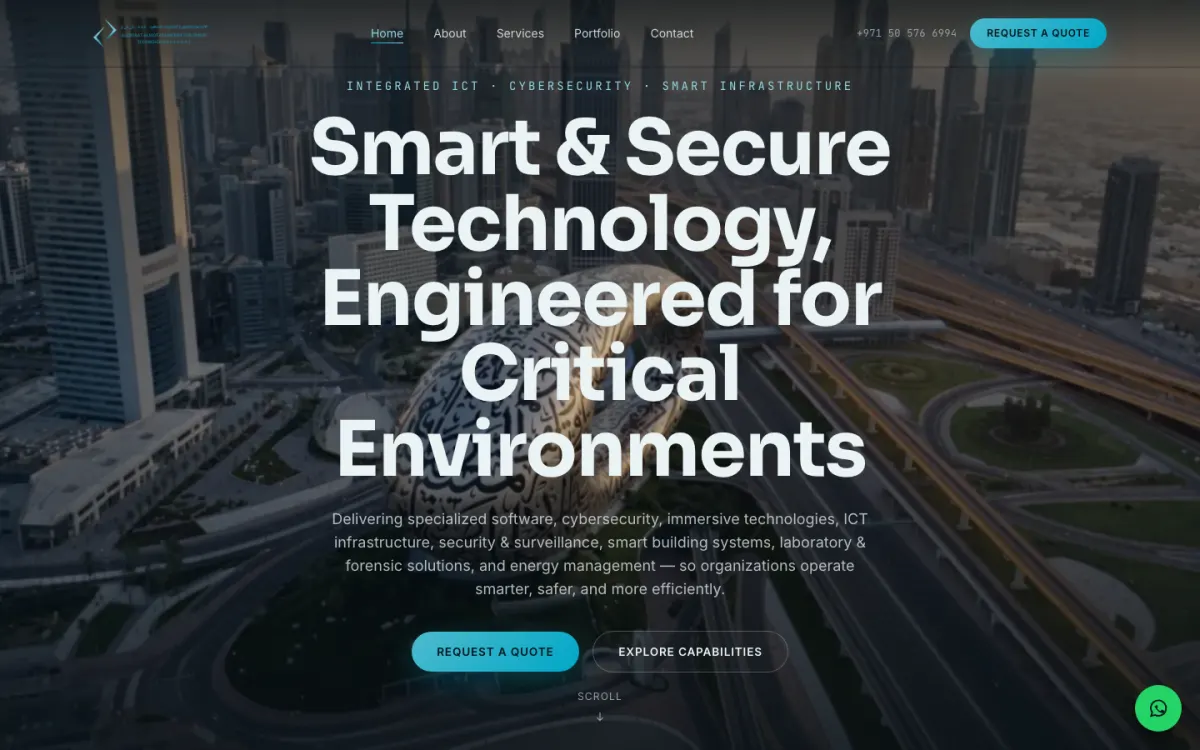

ICT / Security / Systems
Alebdaat
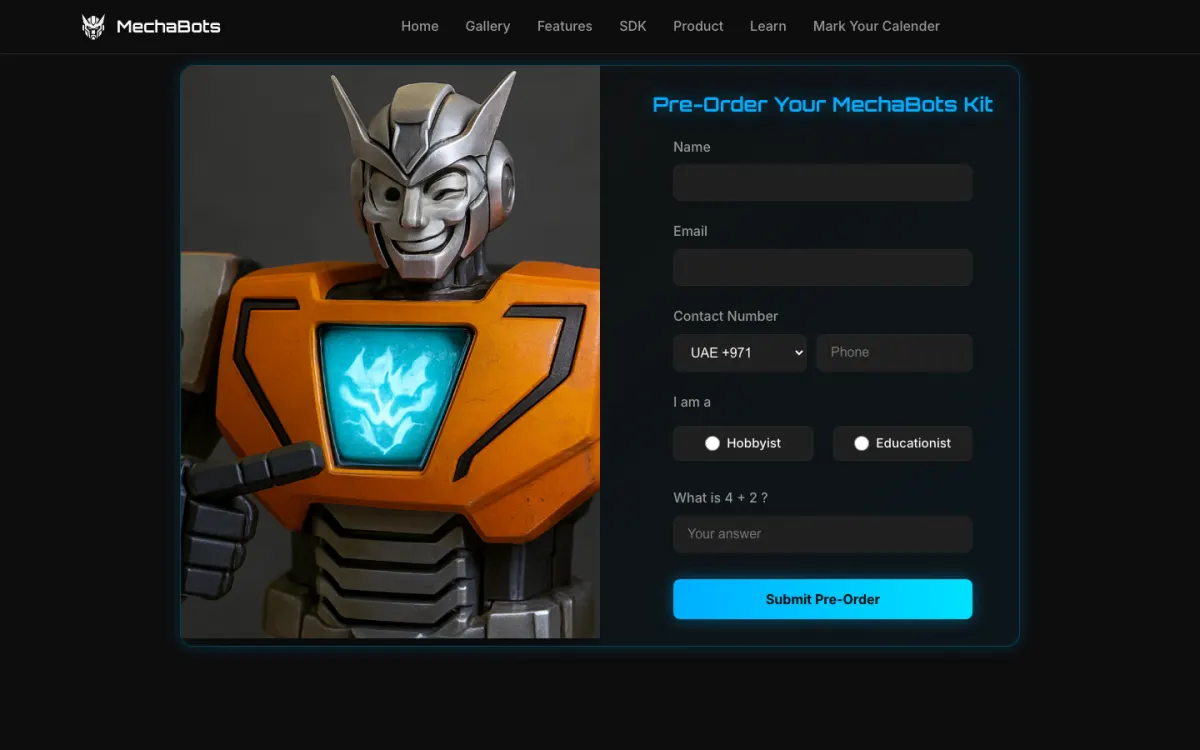

Robotics
MechaBots
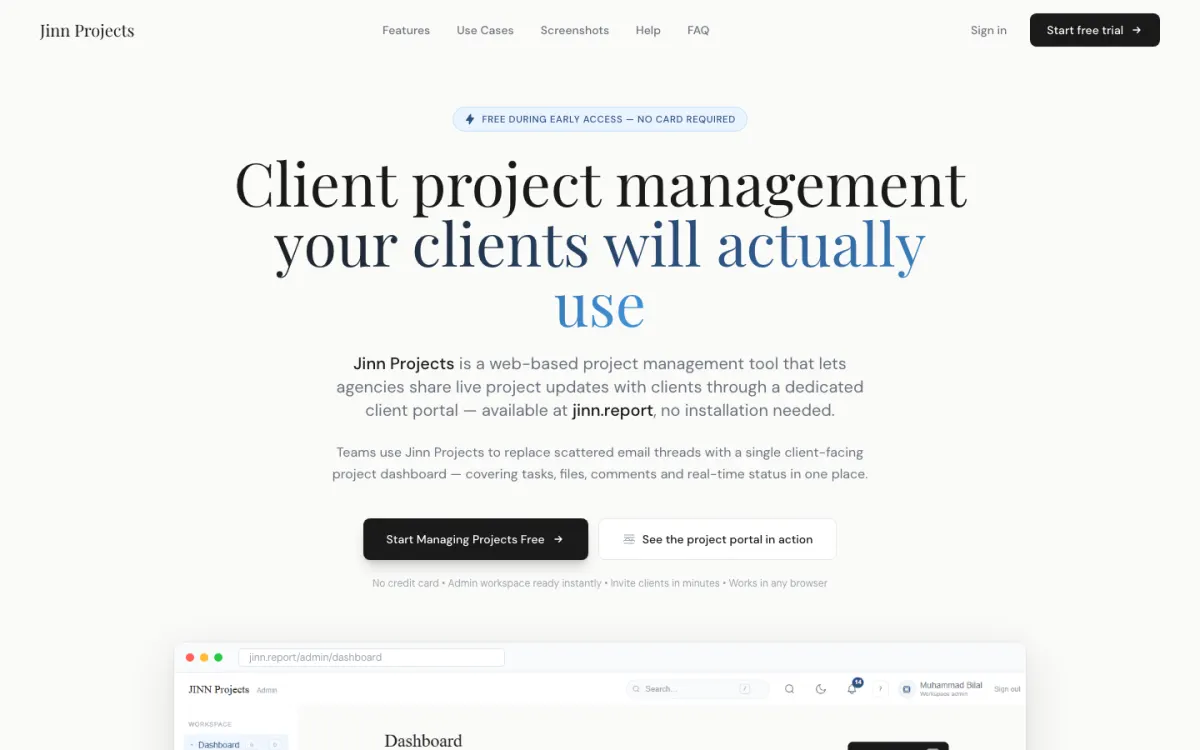

Client Project Workspace
Jinn Reports
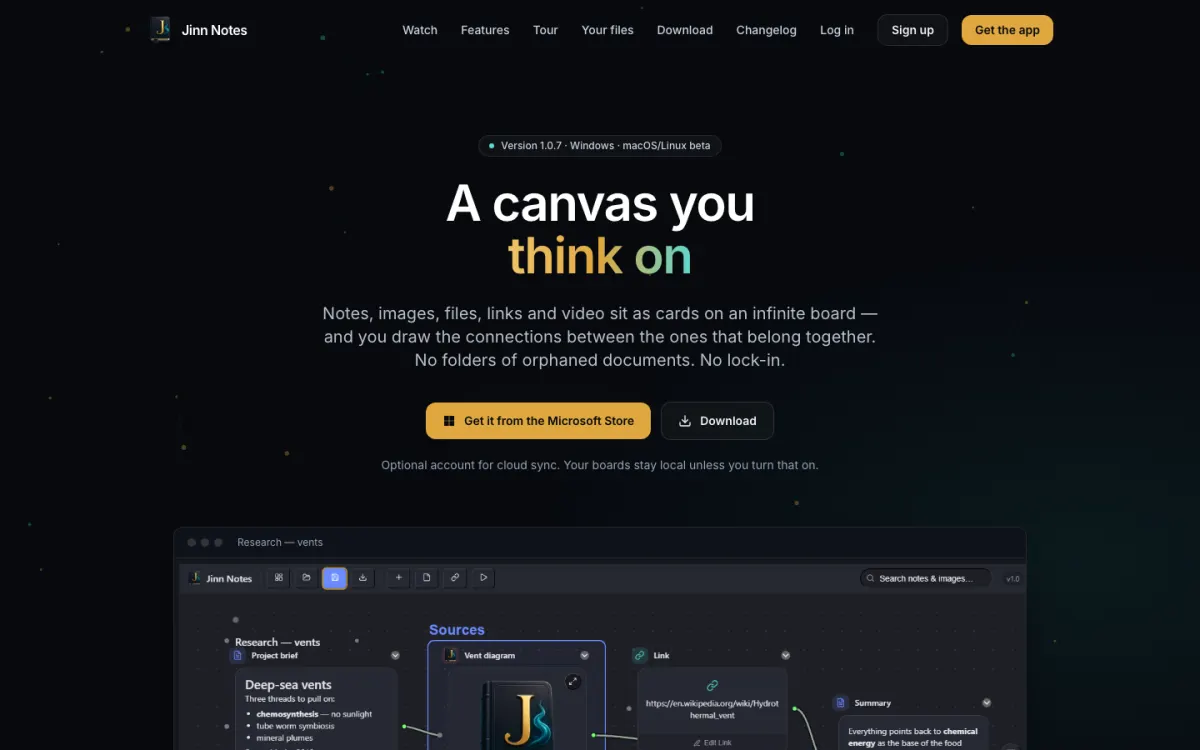

Visual Note-Taking
Jinn Notes
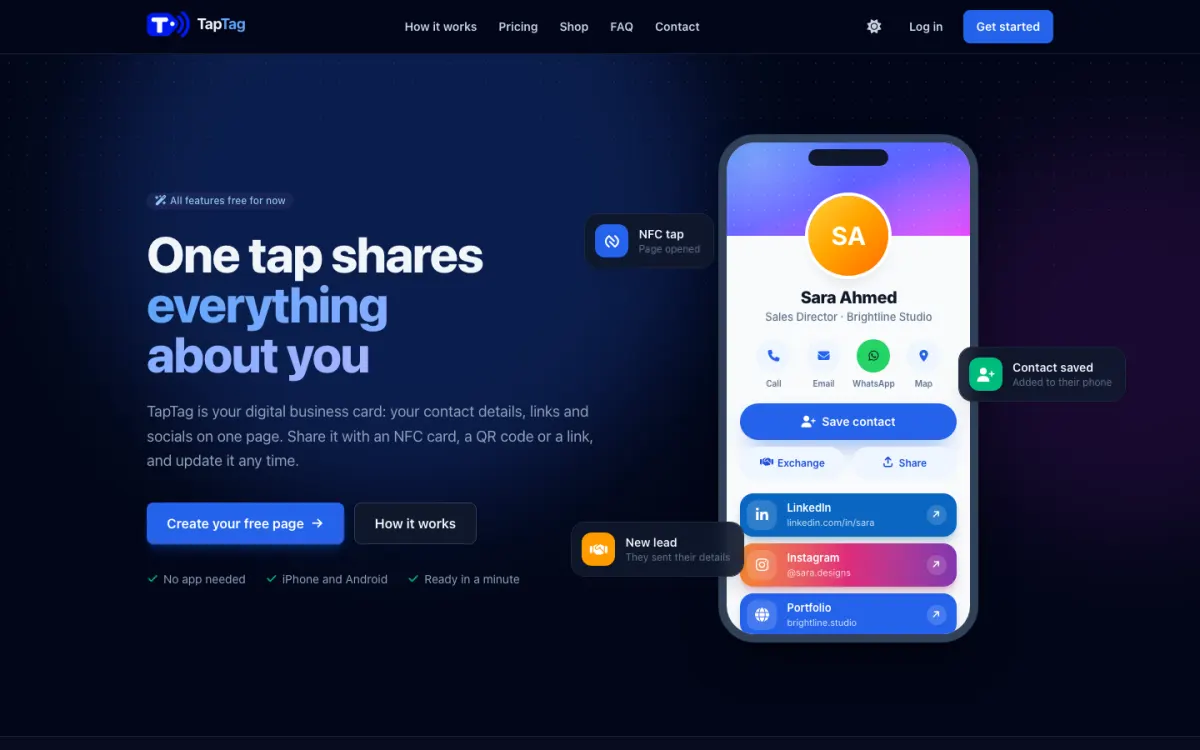

Digital Business Cards
TapTag
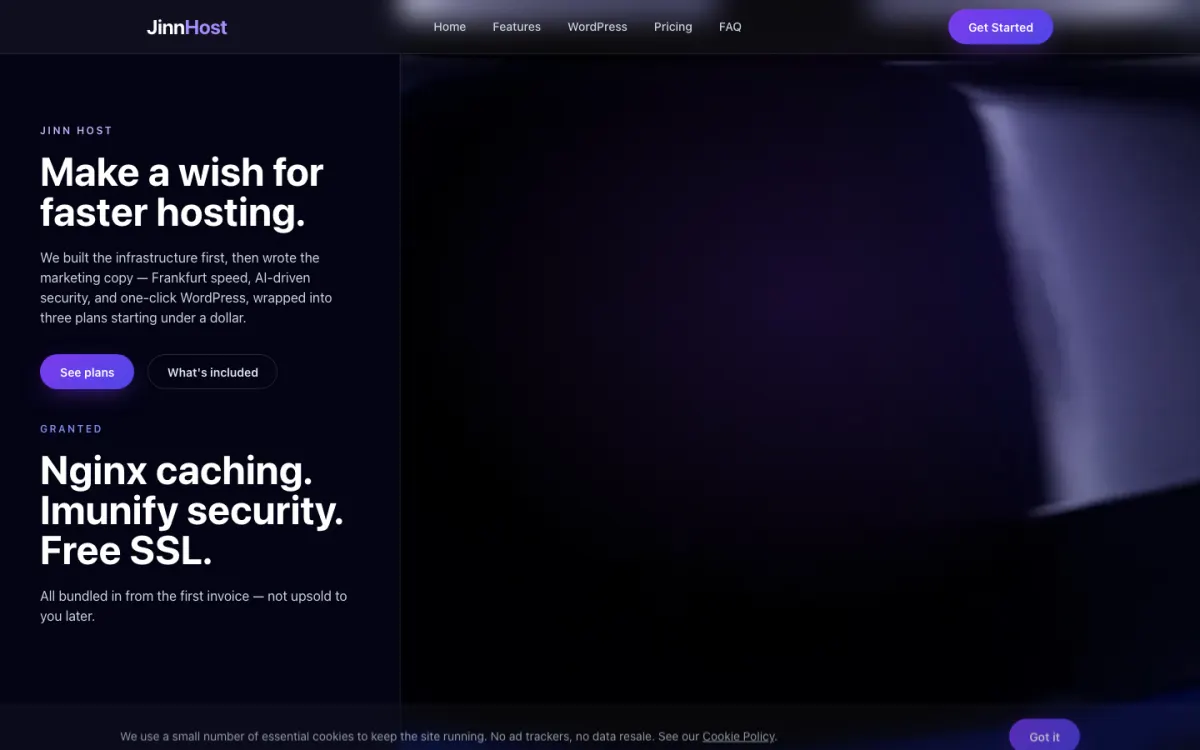

Hosting Infrastructure
JinnHost
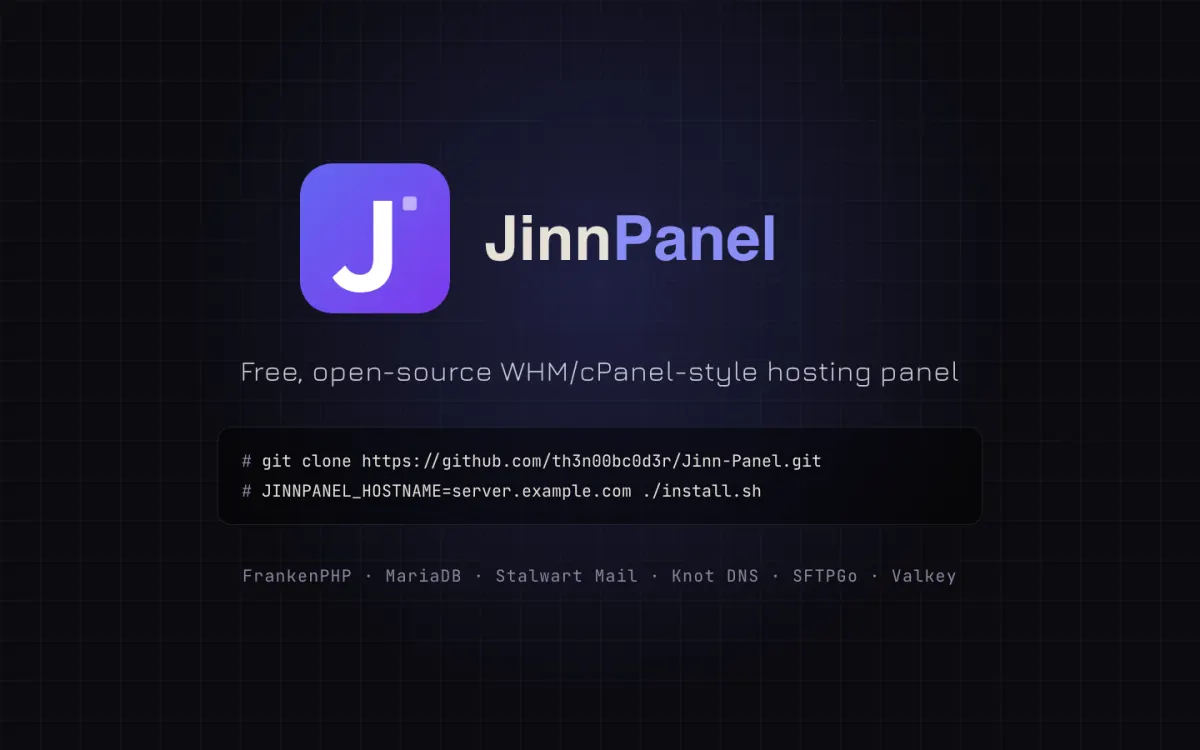
Open-Source Control Panel
Jinn Panel
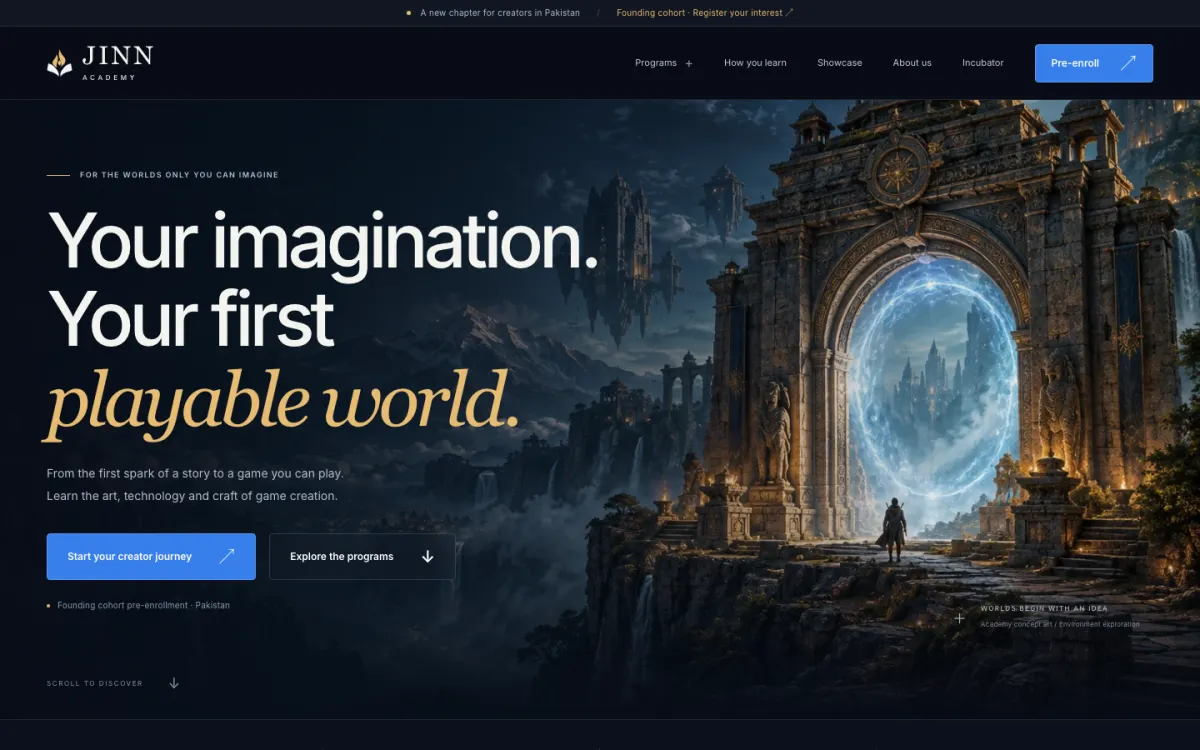

Game Development Academy
Jinn Academy
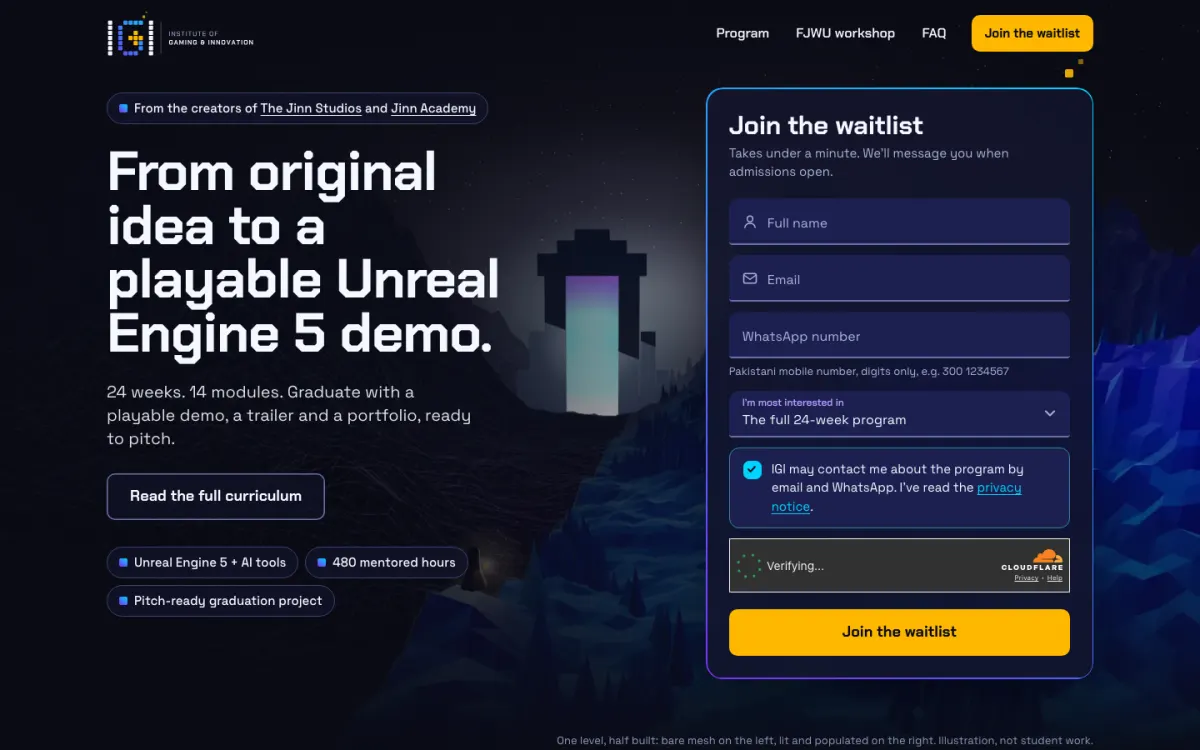

Unreal Engine 5 Program
IGI


Luxury Commerce
SHAZ


Property
Bridgewood
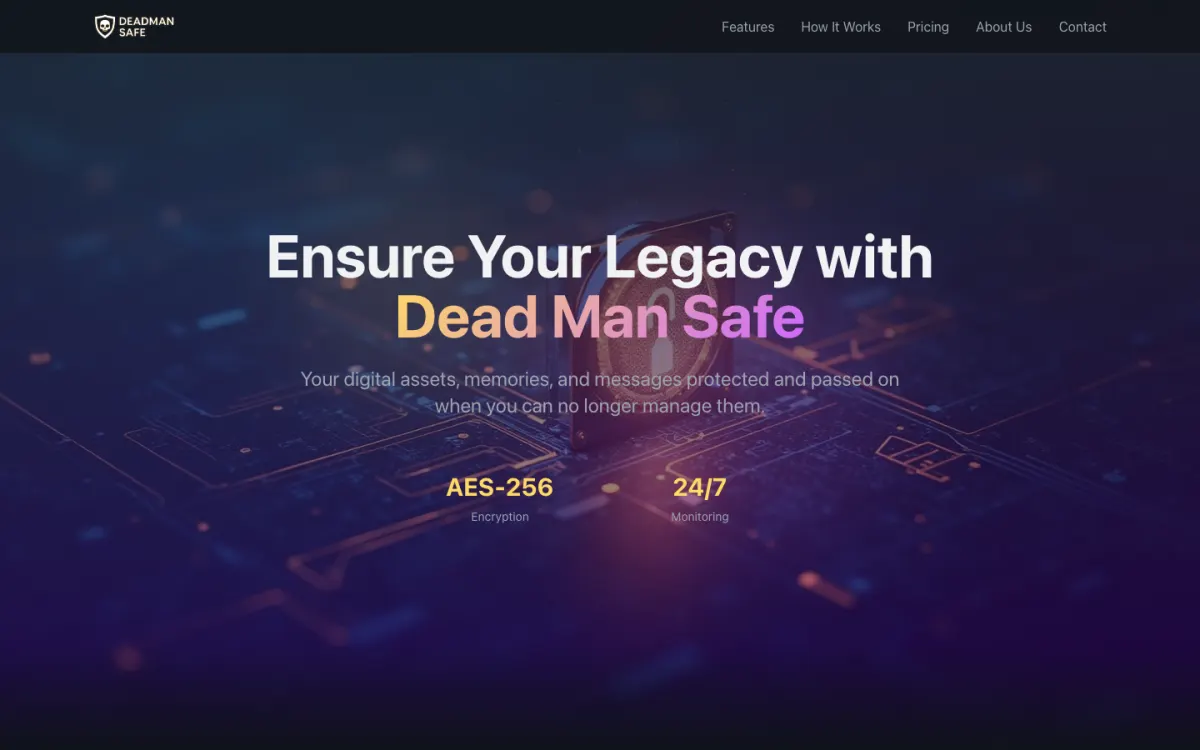

Digital Legacy
Dead Man Safe


Personal Brand
Shorouk Al Abdallah
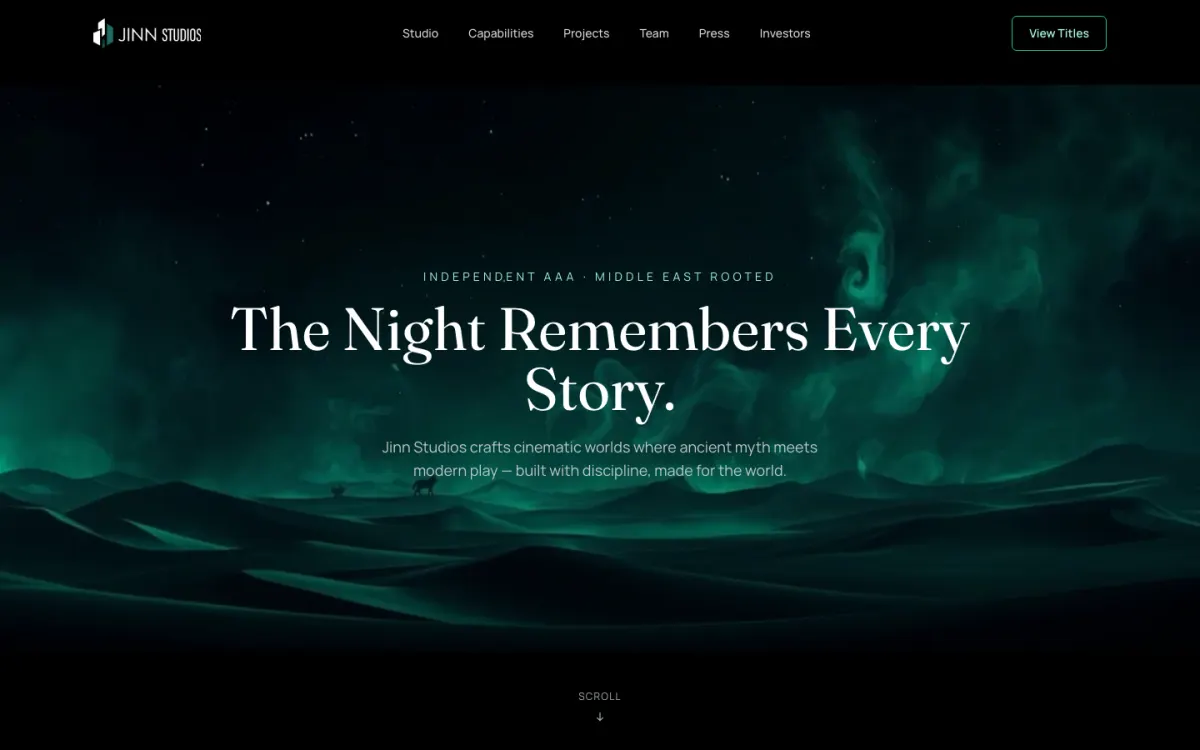

Studio
Jinn Studios


Entertainment
Cup Entertainment
Start a conversation
Ready to build your
operational backbone?
Tell us how your business currently runs. We will assess the operational requirements, identify where the system can make the biggest difference, and outline an honest approach to getting there.
After you reach out
We respond within one business day with an initial assessment of your operational requirements and the questions we would need to explore before proposing an approach.
Discovery session
A structured 90-minute session to map current operations, identify the key integration points, and establish which departments and processes the ERP needs to cover in the first phase.
System proposal
A written proposal covering the ERP architecture, module scope, phasing plan, integration requirements, timeline, and investment. Including what we need from your team and in what order.